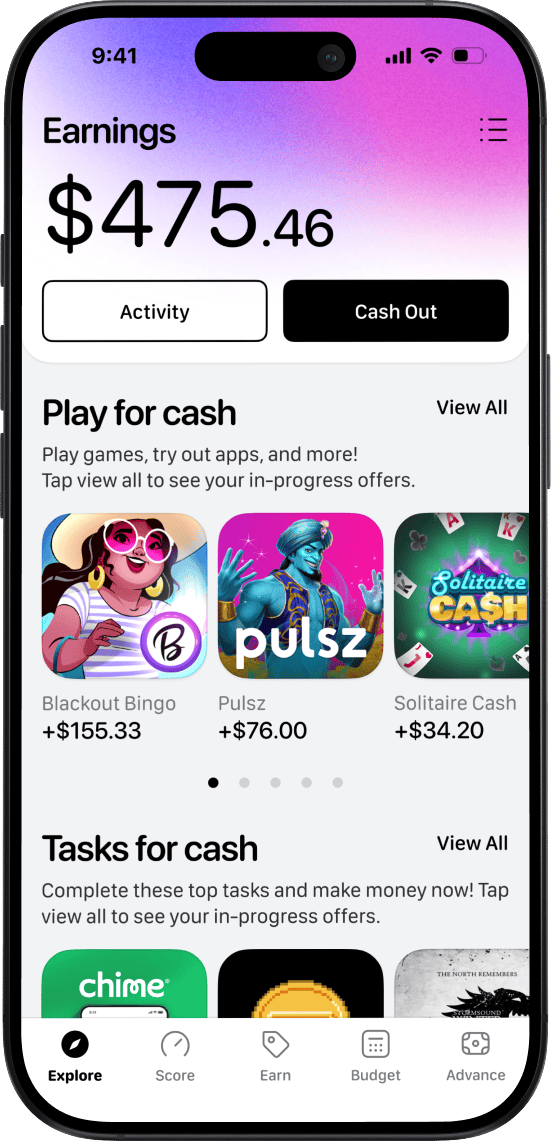
Get Paid for Tasks, Games, and Surveys
Need extra money without picking up another job or committing to a side hustle? The True Finance Earn Tab lets you earn extra money on your own time by completing tasks, playing games, and taking surveys, all directly inside the True Finance app. No schedules. No interviews. No upfront costs. Just real flexible ways to earn when it works for you! Start earning in minutes and cash out when eligible.
Start Earning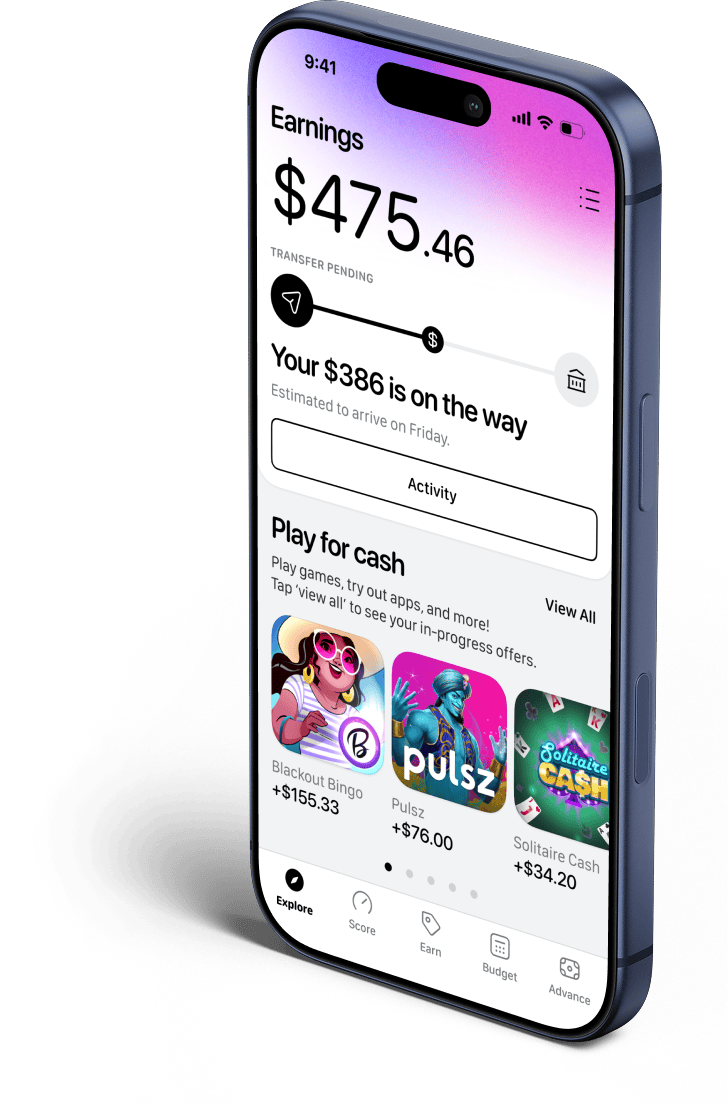
What is the
True Finance
Earn Tab?
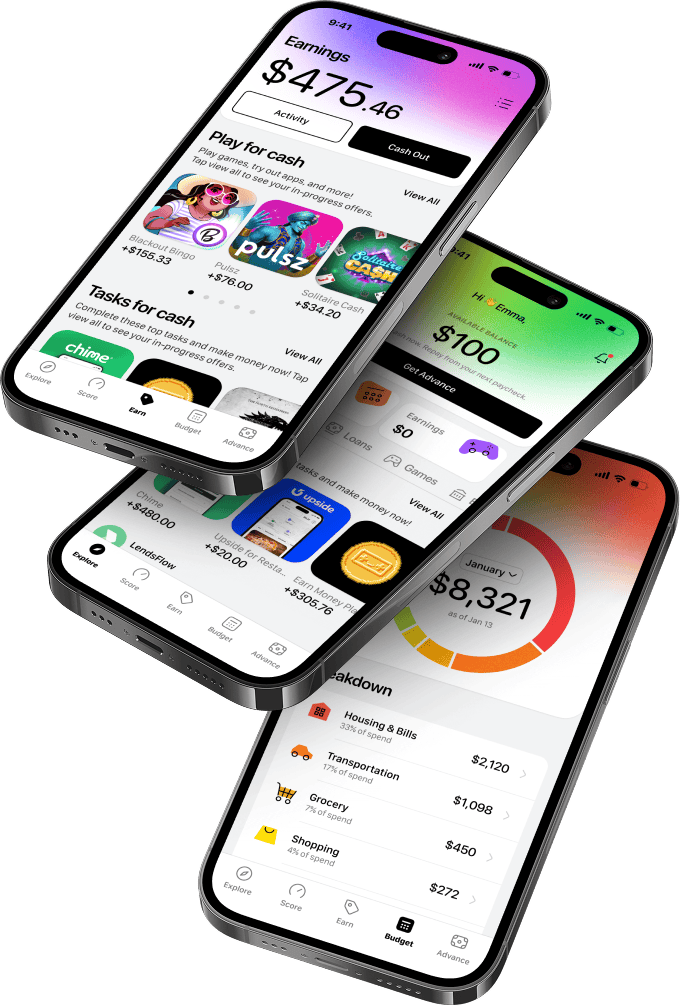
The Earn Tab is a rewards feature within the True Finance app that allows users to earn money by engaging with third-party offers.

You can earn rewards by:
Completing
simple tasks
Playing eligible
mobile games
Taking surveys &
sharing opinions
Each opportunity shows what to do and what you can earn before you start , so there are no surprises. True Finance may receive compensation from partner programs when users successfully complete offers. Availability and eligibility conditions apply.

How the Earn Tab works

Ready to see
what you can earn?
Open the Earn Tab and explore available opportunities today.
Ways to earn with True Finance



Completing Simple Tasks
Tasks may include signing trying new apps, signing up for services, or completing specific actions set by third-party partners.
Premium members
earn more
Want higher payouts on the same tasks and games? True Finance Premium members earn more on eligible Earn Tab opportunities compared to free users! Premium includes:
- Higher earning
tasks & games - Access to cash
advances - Budgeting
tools - Credit monitoring
and ID protection
Premium is designed to help you get more value across the entire True Finance experience; not just earning.
What to know
before you start earning
To use the Earn Tab, you must:

Be active on the True Finance platform for at least 72 hours before cashing out
Using Offline Mode, disabling tracking, or using iCloud Private Relay may prevent tracking or result in rewards being reversed.
Use a compatible smartphone:
Android 11 or newer
iPhone 9 or newer
Latest operating system installed
Have a valid and verified True Finance account
Be located in the United States
Enable tracking permissions within the Earn Tab

Maximum cash-out amount: $150 per transaction
Cash-outs allowed once every 48 hours
Earnings cannot be redeemed for cash advances
Earnings cannot be transferred, sold, or sent to another account
Redeemed codes cannot be resent
Use of VPNs or IP-masking technologies is strictly prohibited and may result in account review or termination.

Earnings
and Taxes
True Finance may refer to Earn Tab payments as rewards, bonuses, or other designations. Earnings are not guaranteed, not insured, and do not create a debtor-creditor relationship. Payment methods, amounts, and availability may change at any time. You are responsible for reporting and paying any applicable taxes on earnings obtained through the Earn Tab. True Finance does not provide tax advice.
Quick Answers
You can earn rewards by completing tasks, playing games, and participating in surveys offered by third-party partners.
Yes. Premium members receive higher payouts on eligible Earn Tab opportunities.
You must be active for at least 72 hours and can cash out once every 48 hours, up to $150 per transaction.
No. VPN usage is prohibited and may result in loss of access or account termination.
Get started with
the Earn Tab
- 1
Download the True Finance app
- 2
Create and verify your account
- 3
Open the Earn Tab
- 4
Complete tasks, play games, and/or take surveys
- 5
Cash out eligible earnings